|
|
|
Automotive Aftermarket Electronic Catalogues |
|
|
|
Automotive Aftermarket Electronic Catalogues |
|
Your staff are ready to help. Your customer
is ready to buy. The correct part has been identified, but it’s
not in stock. What do you do? Spend time calling suppliers and
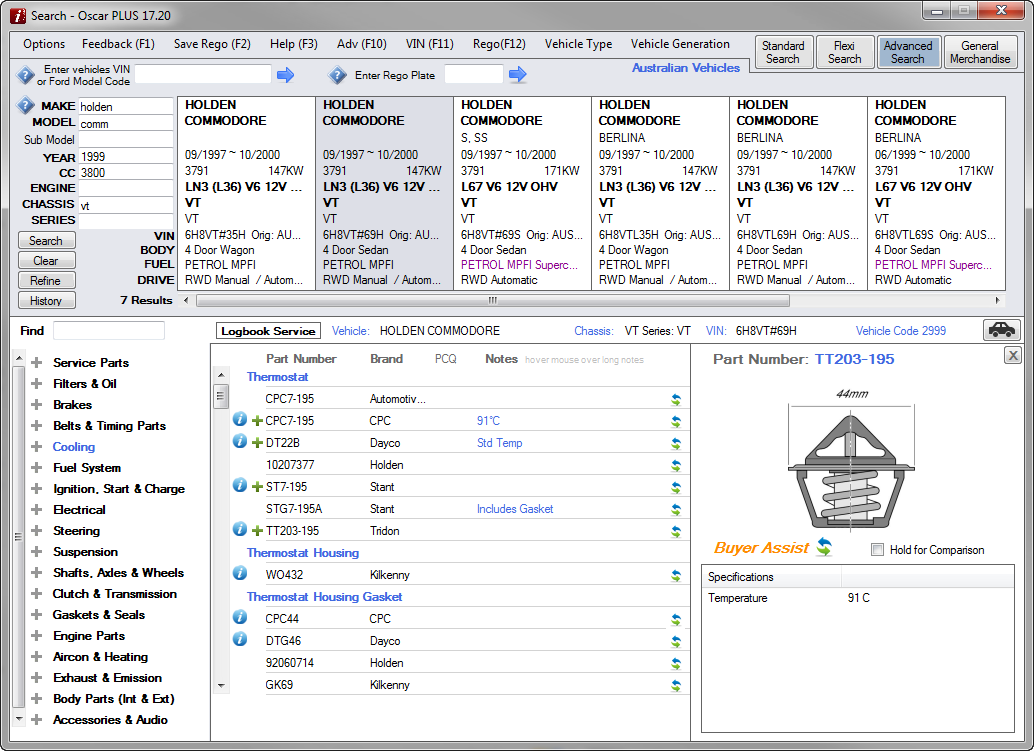
risk losing the sale? Identify your vehicle and locate the parts in the usual way. The Buyer Assist feature can be accessed 2 ways.
|
 |
|
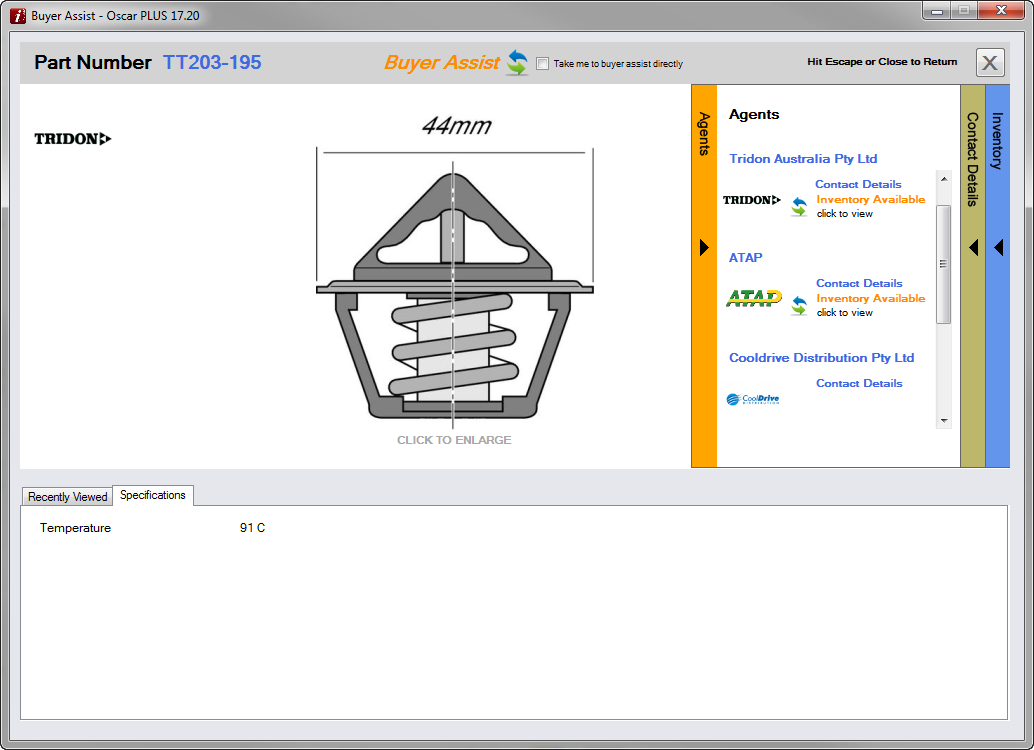
Once you have clicked the
Buyer Assist
Located on this screen you will find
|
 |
|
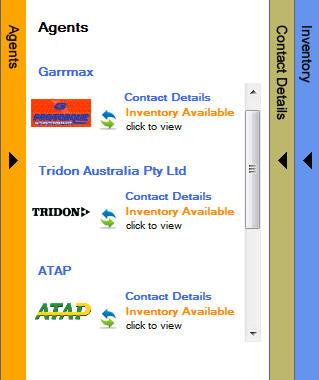
Click Agents to see a tab showing all the approved agents for the brand you have selected.
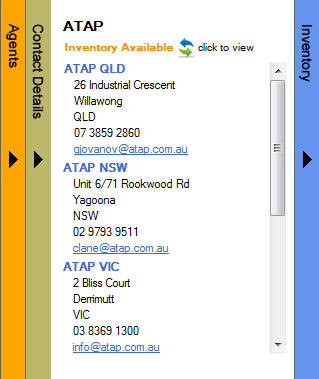
Click the Contact Details link to see to a tab showing all the contact details for the selected Agent.
Click the
Inventory
Available
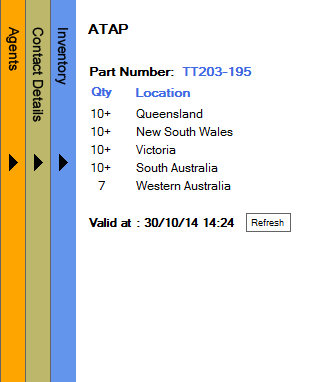
Valid at indicates how
old the inventory list is.
To see if these levels have changed click on the
Refresh
If multiple agents are available for a part you will be able to check available inventory for each agent.
|
|
© 2010 Autoinfo PTY Ltd |


 icon
icon icon
icon