|
|
|
Automotive Aftermarket Electronic Catalogues |
|
|
|
Automotive Aftermarket Electronic Catalogues |
Part Type Section
|
The 'Part Type' section shows how you locate all the parts for the particular vehicle you are seeking.
|
|
|
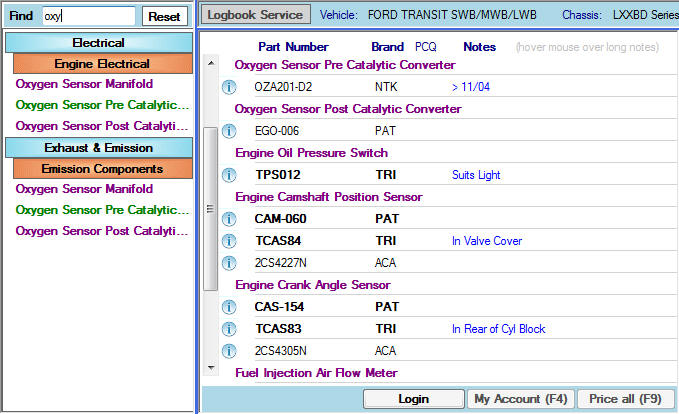
Smart Part Finder 'Find'
Just start typing the part type you are looking for and as you type the parts list will get shorter as the system searches all available Part Types. By clicking on the required part type the text will turn green and take you straight to where the part is located within the catalogue.
|
|
|
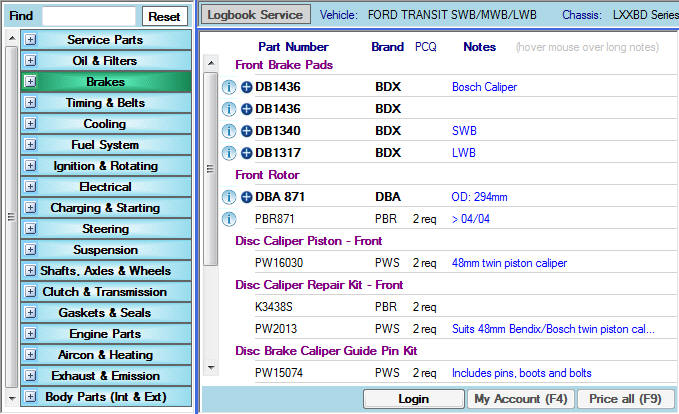
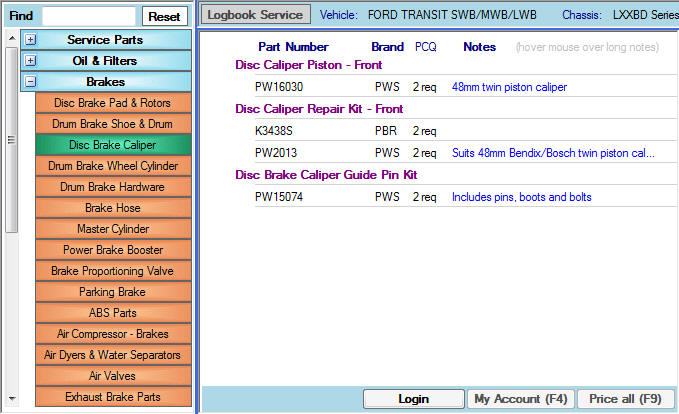
The second method to locate the parts is by
clicking through the displayed part
type selection tree. There are two
components to the 'Part Type' section
tree, 'Part Groups' and 'Sub Groups'.
|
|
|
|
|
|
|
|
|
|
|
|
|
|
|
|
|
|
© 2010 Autoinfo PTY Ltd |