|
|
|
Automotive Aftermarket Electronic Catalogues |
|
|
|
Automotive Aftermarket Electronic Catalogues |
Logbook Service
|
Overview |
|||
|
The log book service information is compiled directly from the vehicle manufactures recommendations. This feature will allow you to quote and perform servicing as per the manufacture.
The Log Book servicing feature of OSCAR is designed to make quoting and servicing vehicles easy.
|
|||
| How to use | |||
Make a vehicle selection using any of the
search options. The Advanced Search method is shown below.
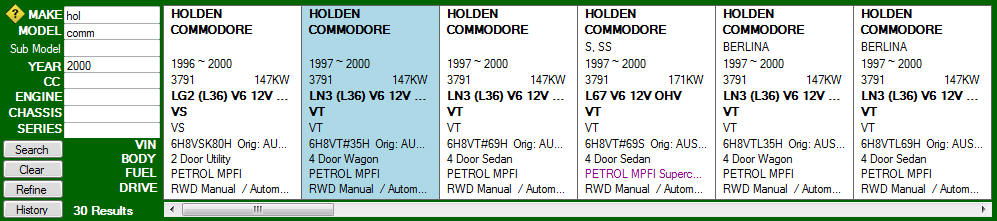 If we have logbook information for the selected vehicle the Logbook Service button will turn from grey to orange.
If the log book serving button remains grey after selecting your model, this means logbook service information is not available at this stage. You many need to make one further selection to further define a vehicle. If so select the required vehicle.
In some instances the manufactures will give you the choice of selecting a different services depending on the driving conditions the vehicle has been exposed to. Adverse conditions means if the vehicle has been exposed to harsh conditions such as a dusty environment, stopping and starting heavy traffic or only driven short distances.
|
|||
|
|||
|
We will then provide a parts list with the required items and also the appropriate part numbers that are available for you.
|
|||
|
|
|||
|
Service Times
If you are a workshop the appropriate service times will also be displayed at the bottom of the page.
|
|||
|
© 2010 Autoinfo PTY Ltd |